
Project Refinement
A downloadable Technical Demo
PROJECT REFINEMENT
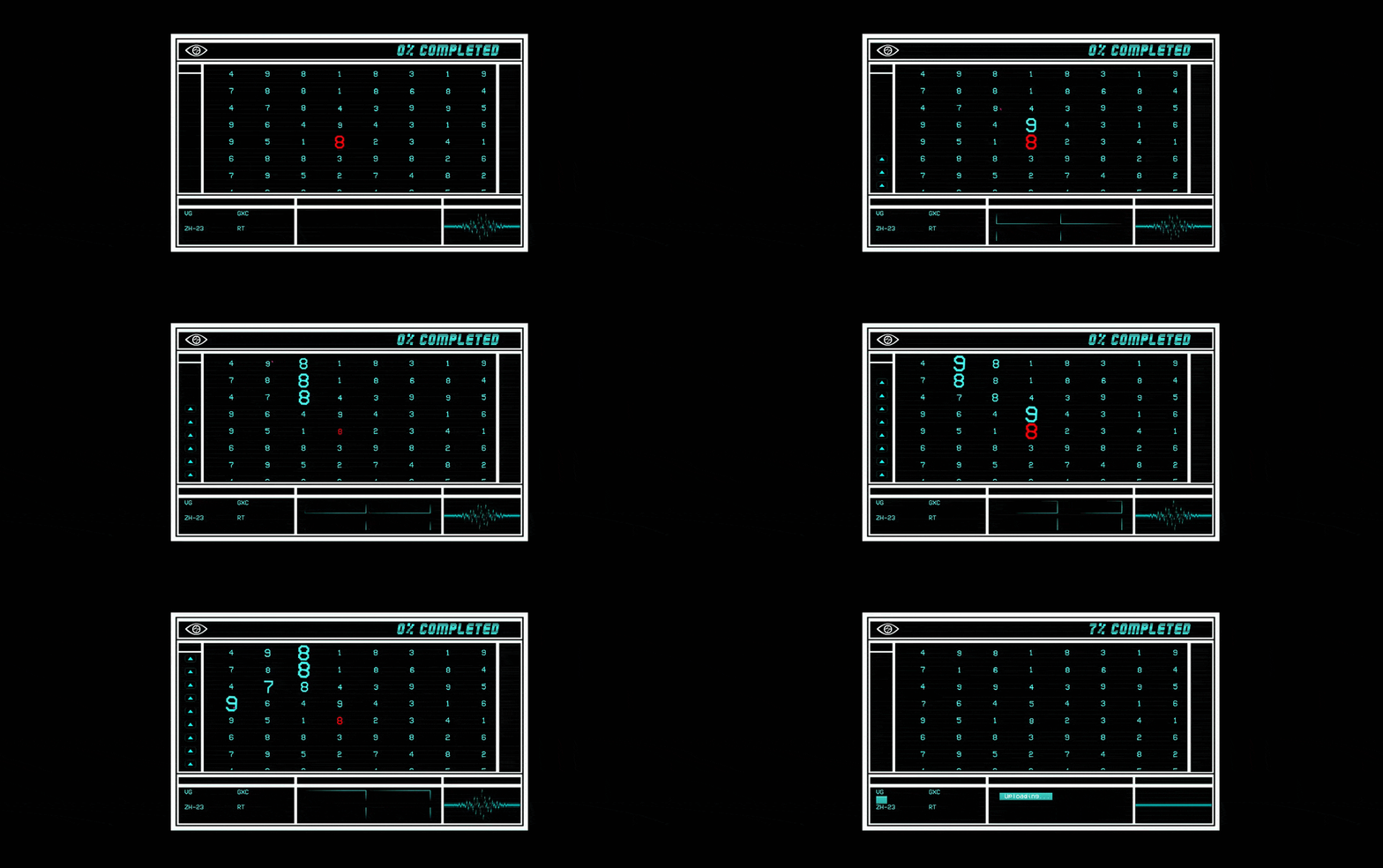
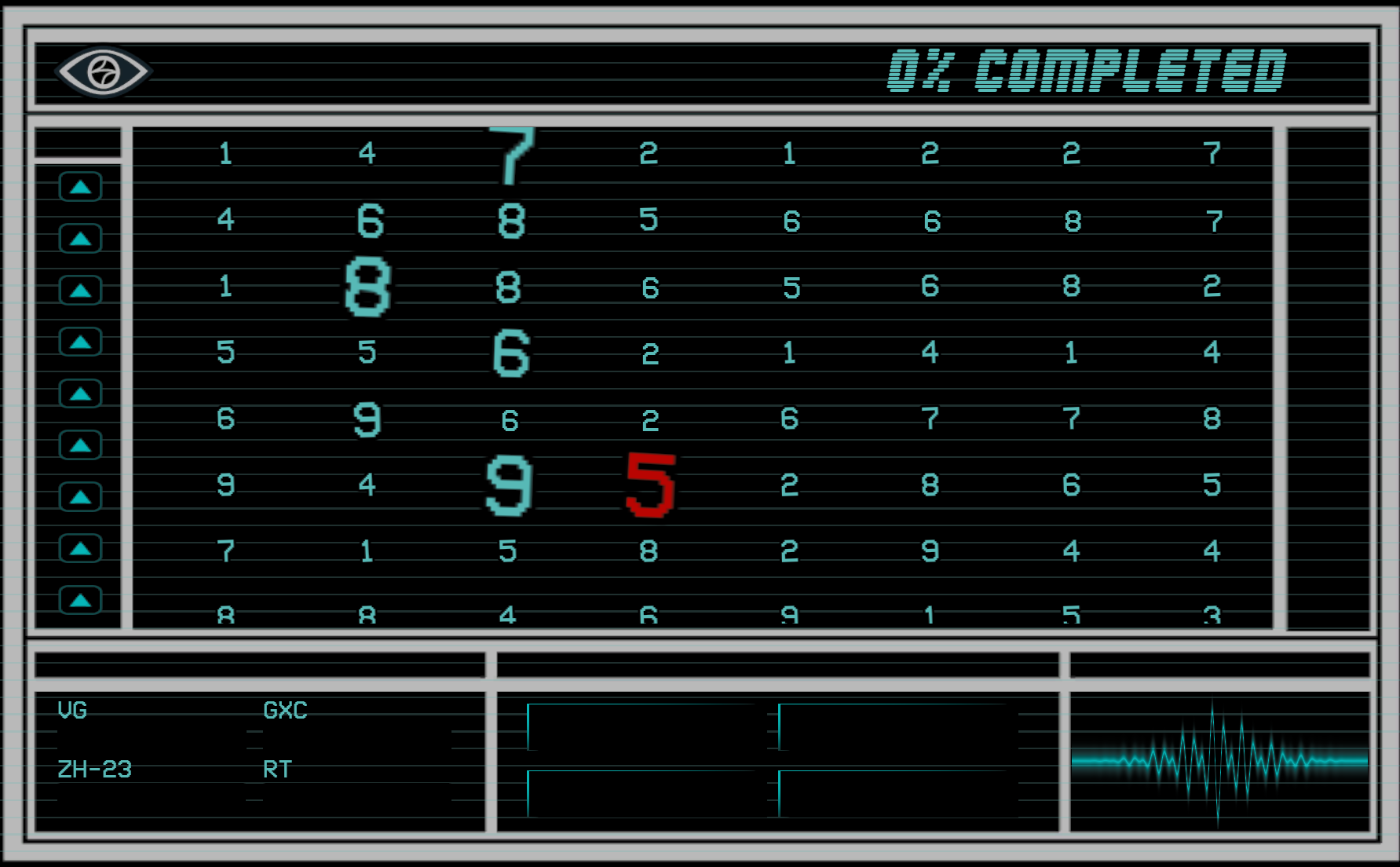
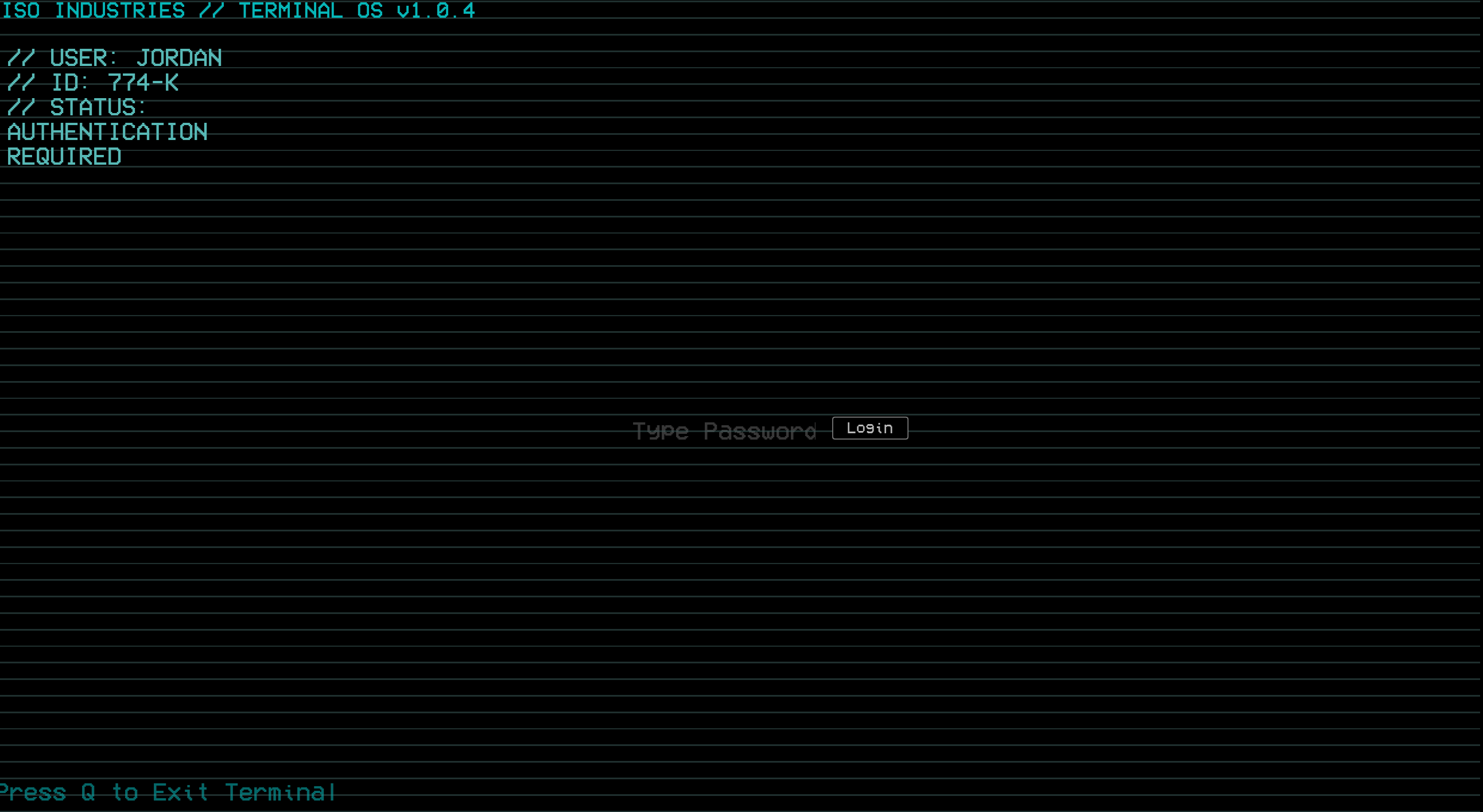
A Severance-inspired vertical slice where a reactive terminal watches how you work — and judges you for it. Built in Unreal Engine 5 with C++ and Blueprints.
You've been hired into Data Refinement. Sort the numbers, hit your quota, don't ask what the work is for. The terminal has opinions about your performance, and it is always watching.
NARRATIVE DESIGN
The core of this build is a contextual dialogue system inspired by the fuzzy-pattern-matching approach behind Left 4 Dead and Firewatch. Rather than scripted lines, the company reacts to your behavior:
- Idle too long and it escalates — a gentle nudge, then a warning, then an invitation to the Break Room.
- Coast on low-value data and it notices you cutting corners.
- Finish a file and it rewards you, in its own unsettling way.
Every line is authored as data (concept, conditions, response, cooldown), so the system stays small and fixed while the writing scales — and the whole thing is voiced.
TECHNICAL FEATURES
- Hybrid architecture: core logic and the dialogue subsystem in C++; UI and content in Blueprint/UMG.
- Data-driven dialogue: a world subsystem loads rules from a DataTable, matches the most specific valid rule per event, and broadcasts to a decoupled UI — no code changes to add content.
- Scalable, event-driven UI: procedurally generated refining grid and progress arrays, updated via delegates rather than tick.
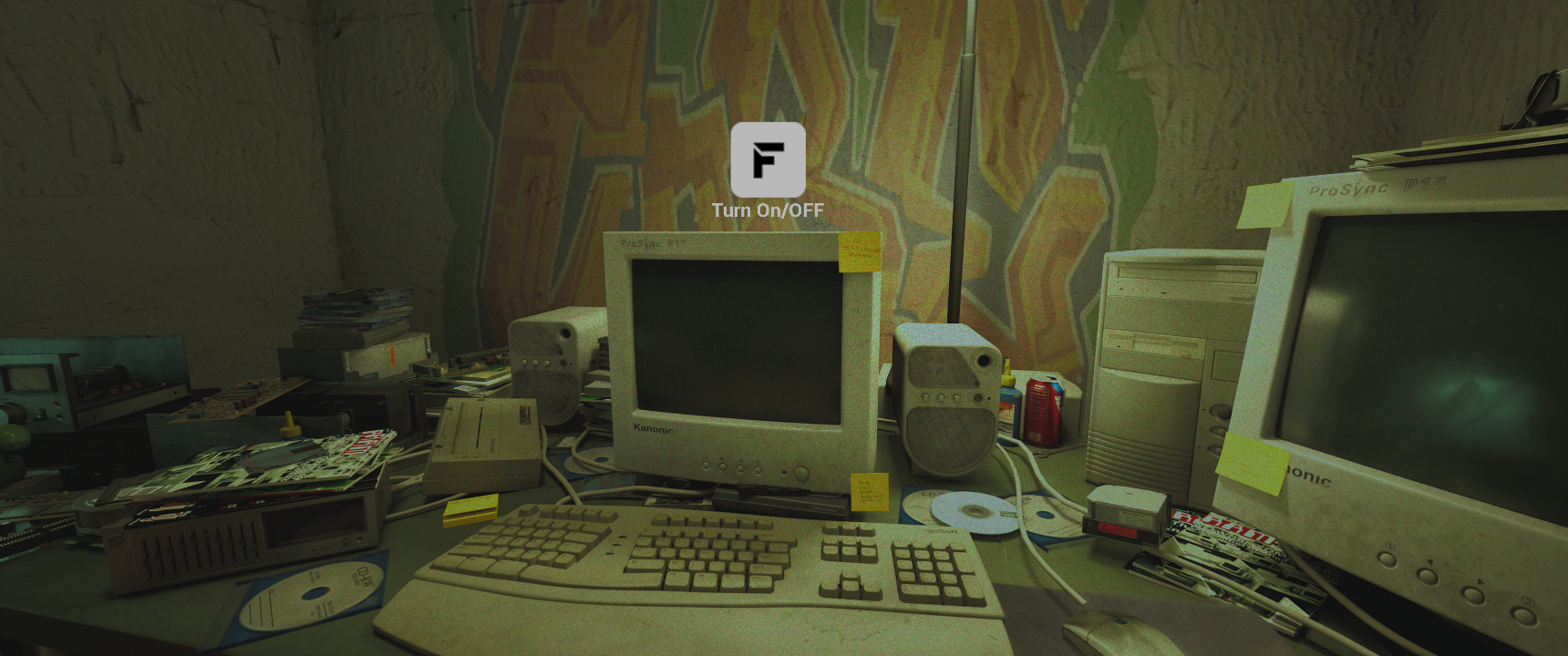
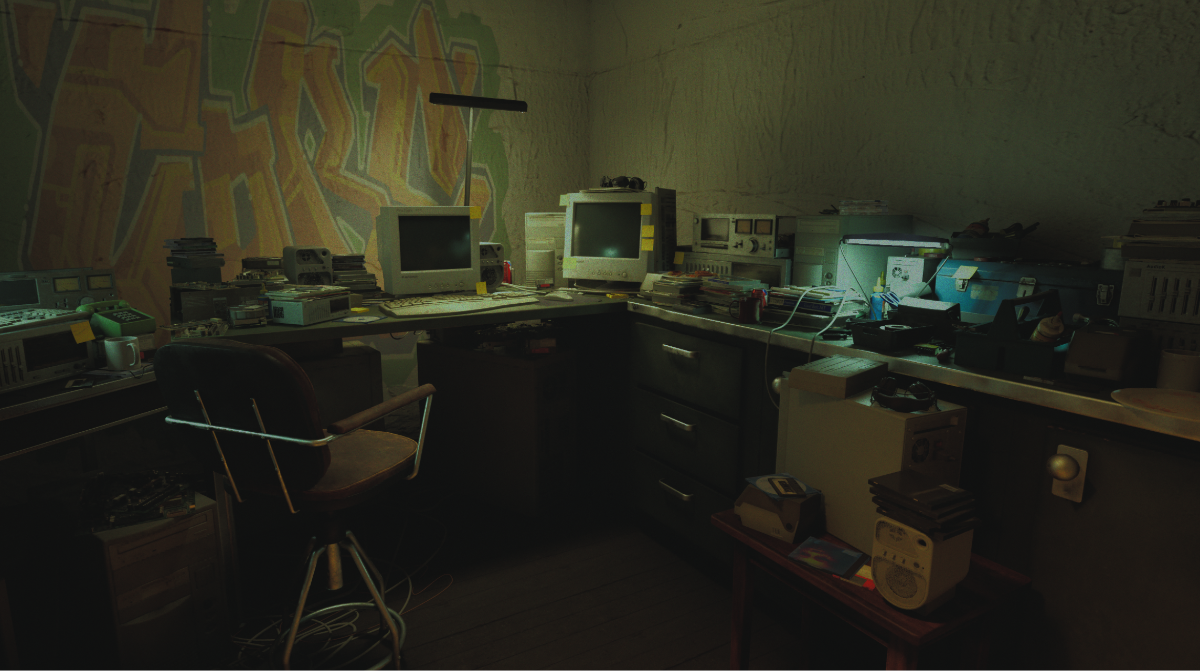
- Diegetic integration: world-space CRT UI and a surveillance-styled alert system for company messages.
CONTROLS
WASD — Move · E — Interact / Sit · Mouse — Drag & Drop · Esc — Pause / Stand
BREAKDOWN
Engine: Unreal Engine 5 · Languages: C++, Blueprints · Focus: Narrative systems, technical UI design, system architecture
Download
Install instructions
Install instructions
Download & Install
- Download the .zip below
- Extract the entire folder anywhere on your PC (right-click → Extract All) — don't run the game from inside the zip
- Open the extracted folder and run ProjectSel.exe
If Windows shows a "Windows protected your PC" SmartScreen popup, click More info → Run anyway. This appears because the game is an unsigned indie build, not because anything is wrong with it.
Minimum specs: Windows 10/11 (64-bit), a GPU that supports DirectX 12, ~[X] GB free disk space
Development log
- v0.2 — The Terminal Talks Back5 days ago
Leave a comment
Log in with itch.io to leave a comment.